Point-of-Sale Password Recovery
After solving the S3 bucket challenge, this new objective leads me to the courtyard where I meet up with Sugarplum Mary to help her recover a lost password for the PoS terminal:
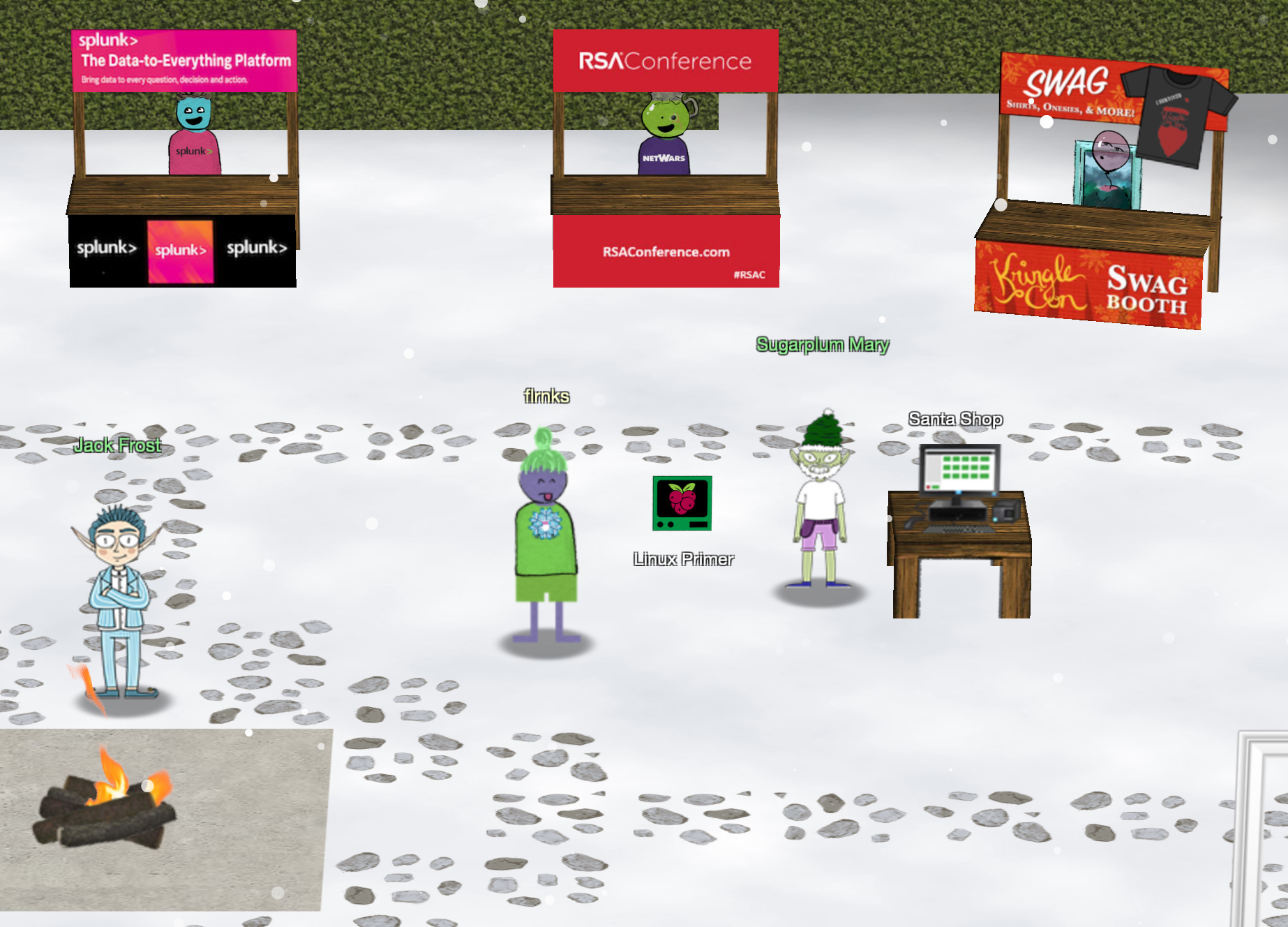
Sugarplum Mary? That’s me! I was just playing with this here terminal and learning some Linux! It’s a great intro to the Bash terminal. If you get stuck at any point, type hintme to get a nudge! Can you make it to the end?
This terminal was like a quick refresher/lesson to hone your Linux Terminal skillz. I used the below list of commands to solve it:
 1ls
 2cat munchkin_19315479765589239
 3rm munchkin_19315479765589239
 4pwd
 5ls -la | grep munchkin
 6cat .bash_history | grep munchkin
 7env | grep munchkin
 8cd workshop
 9find . -type f -name "toolbox*.txt" | xargs grep -i munchkin
10chmod +x lollipop_engine
11./lollipop_engine
12cd electrical/
13mv blown_fuse0 fuse0
14ln -s fuse0 fuse1
15cp fuse1 fuse2
16echo "MUNCHKIN_REPELLENT" >> fuse2
17cd /opt/munchkin_den/
18find .
19find . -user munchkin
20find .  -size +108k -size -110k
21ps a
22netstat -l
23curl http://0.0.0.0:54321
24kill -s 9 11555
The interactive nature of the whole terminal reminded me of the Mini NetWars challenges from earlier this year, which was a nice feeling! Talking to Mary again revealed the below hints about them main objective:
You did it - great! Maybe you can help me configure my postfix mail server on Gentoo! Just kidding! Hey, wouldja’ mind helping me get into my point-of-sale terminal? Just kidding! It’s down, and we kinda’ need it running.. Problem is: it is asking for a password. I never set one! Can you help me figure out what it is so I can get set up? Shinny says this might be an Electron application. I hear there’s a way to extract an ASAR file from the binary, but I haven’t looked into it yet.
… and the hints from the badge:
- It’s possible to extract the source code from an Electron app.
- There are tools and guides explaining how to extract ASAR from Electron apps.
- the PoS firmware is available to download HERE as a 47MB .exe file
To get started I spun up a Windows VM on my MacBook and downloaded the exe within this machine. I also installed
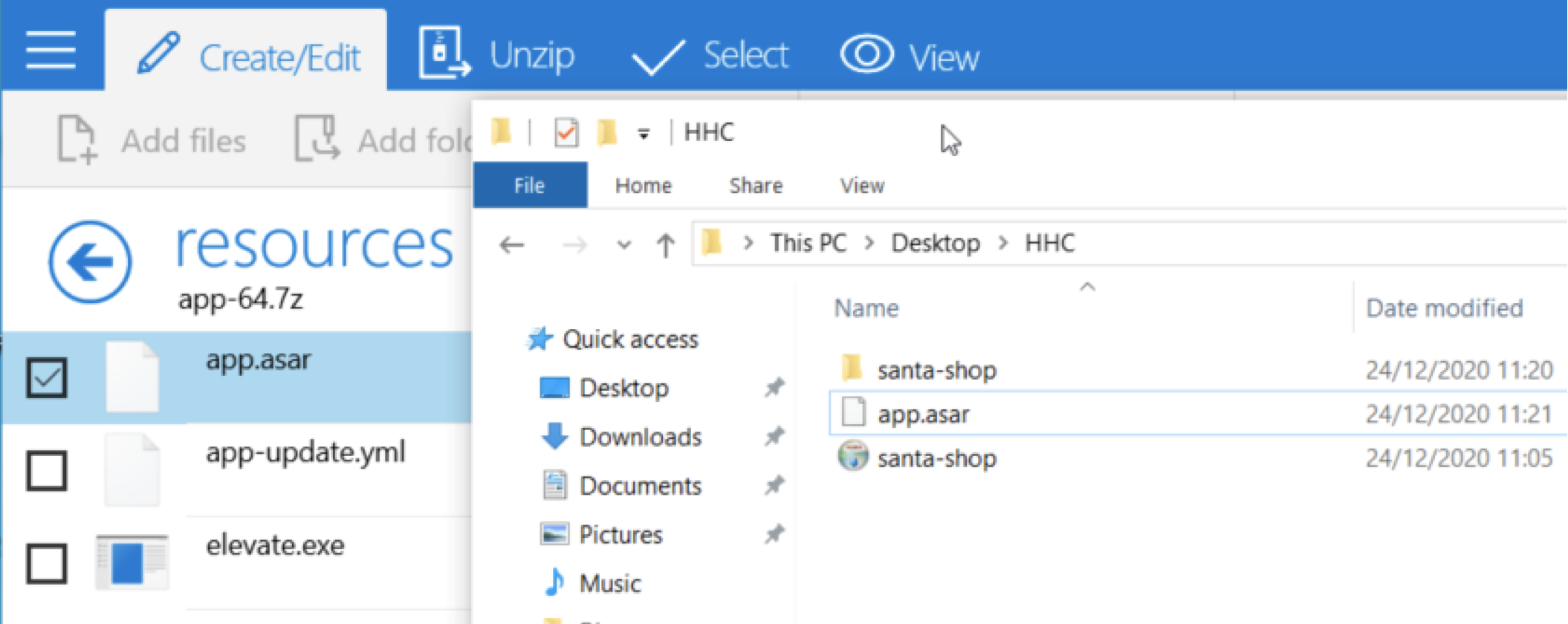
7zip to help with unpacking the EXE file with the goal of recovering the asar file which contains the source code for the app. After opening the exe in 7zip, I found the app.asar in the resources subdirectory, which I extracted to my working folder:
Next, I used the Windows Command Prompt, installed NPM and the asar packaging tool to help unpack the recovered app.asar file:
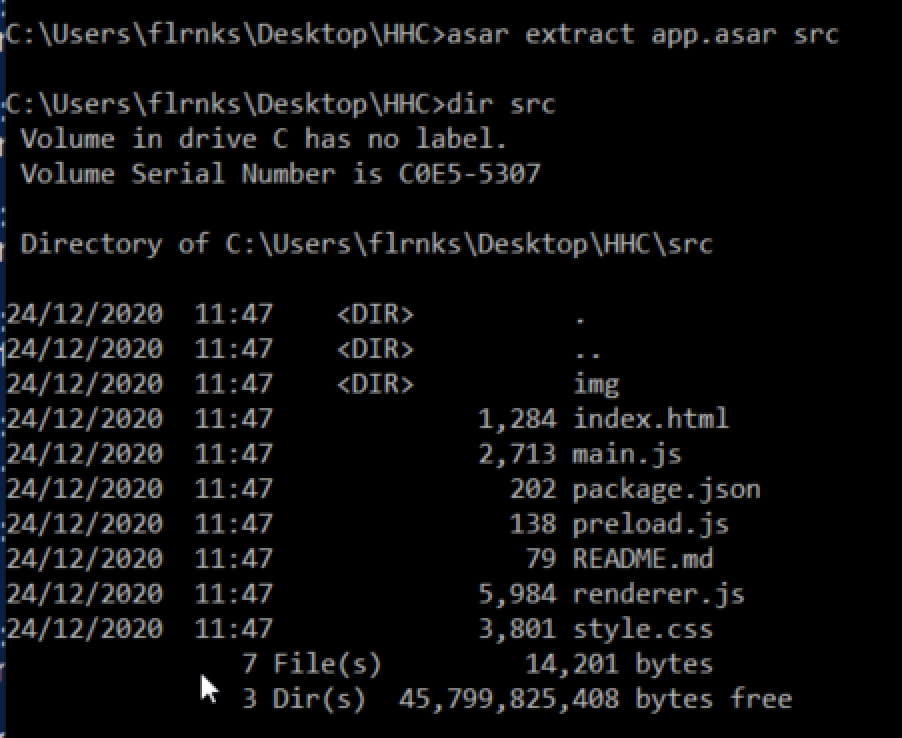
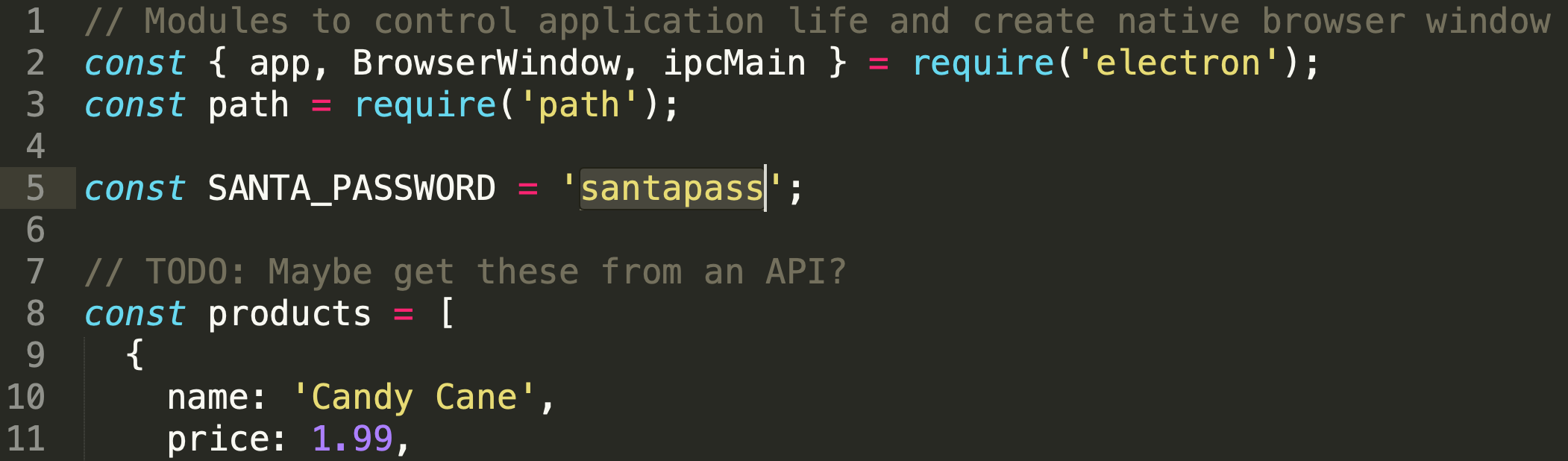
This operation recovered several files, reading the README pointed me directly to main.js which had the password right at the top of the file:
On to the next one! 😎